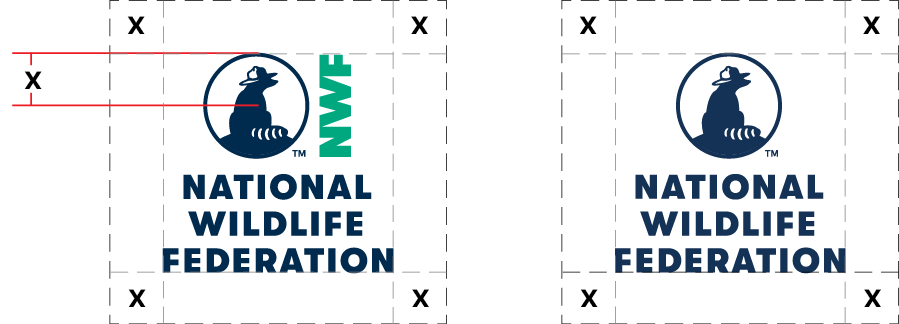
Size & Clear Space

Overview
When considering the size and spatial placement of the logo in your design, please remember the logo should be easy to read and seen clearly on any application.
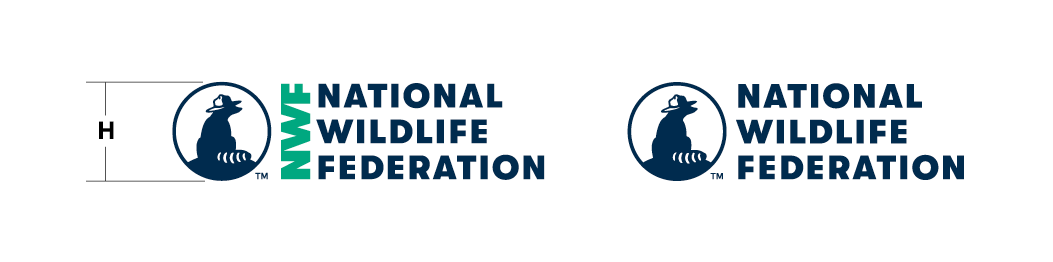
Minimum Logo Height (H)
Please do not make the logo smaller than the minimum height.
Keeping the proper height ensures that the logo is legible and gives enough clear space to make it stand out from things placed around it.
Horizontal Logo
- Screen 32 pixels
- Print 0.333 inches/8.5 mm
Vertical Logo
- Screen 65 pixels
- Print 0.675 inches/17.1 mm

Vertical Logo
Horizontal Logo
Minimum Clear Space (X)
To create the clear space, apply the radius (half) of the Ranger Rick icon on all sides.